Configure WSO2 Identity Server 7.x as Key Manager
Configure WSO2 IS 7.x as a Key Manager
-
Sign in to the Admin Portal of API Manager at https://localhost:9443/admin.
-
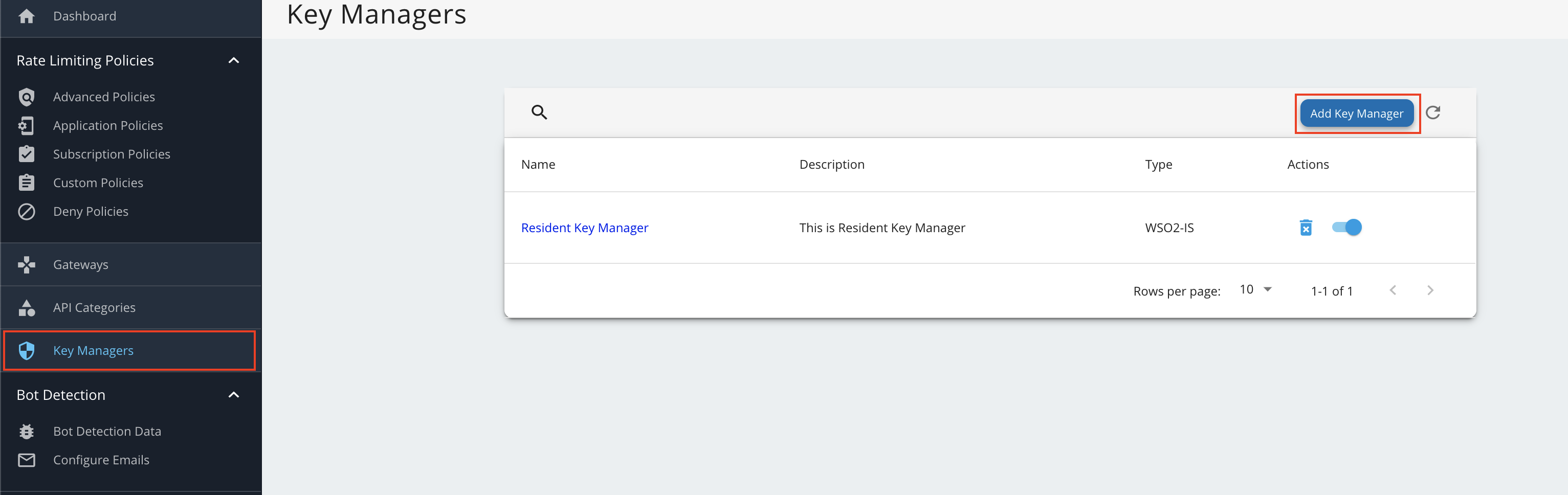
Go to Key Managers on the left main menu.
-
Configure WSO2 IS 7.x as a keymanager.
-
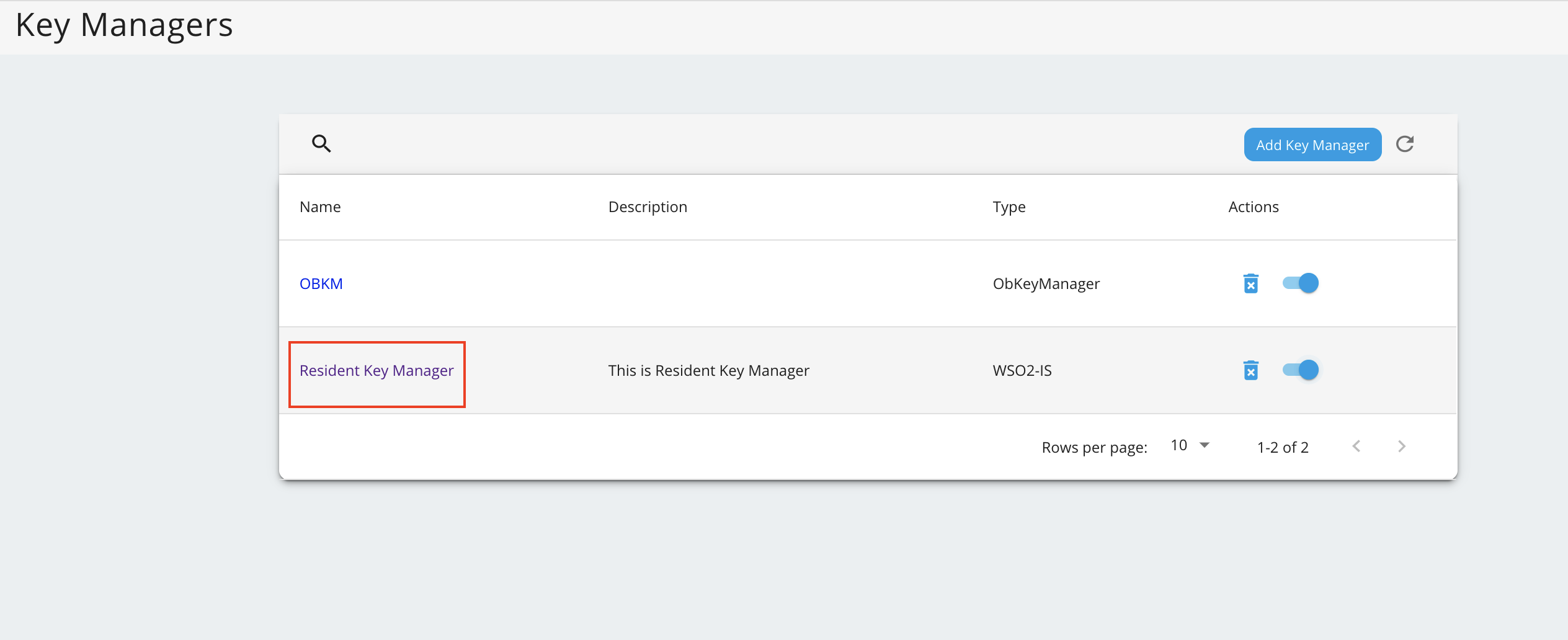
Go to the list of Key Managers and select Resident Key Manager.
-
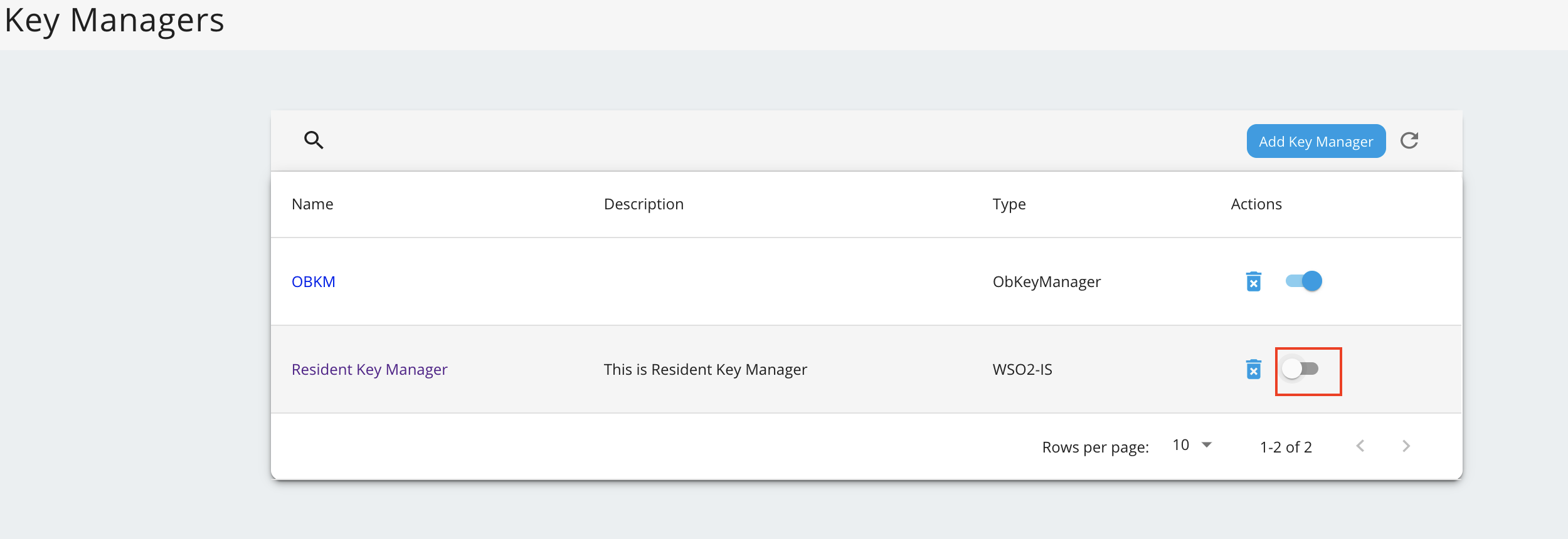
Disable the Resident Key Manager.